


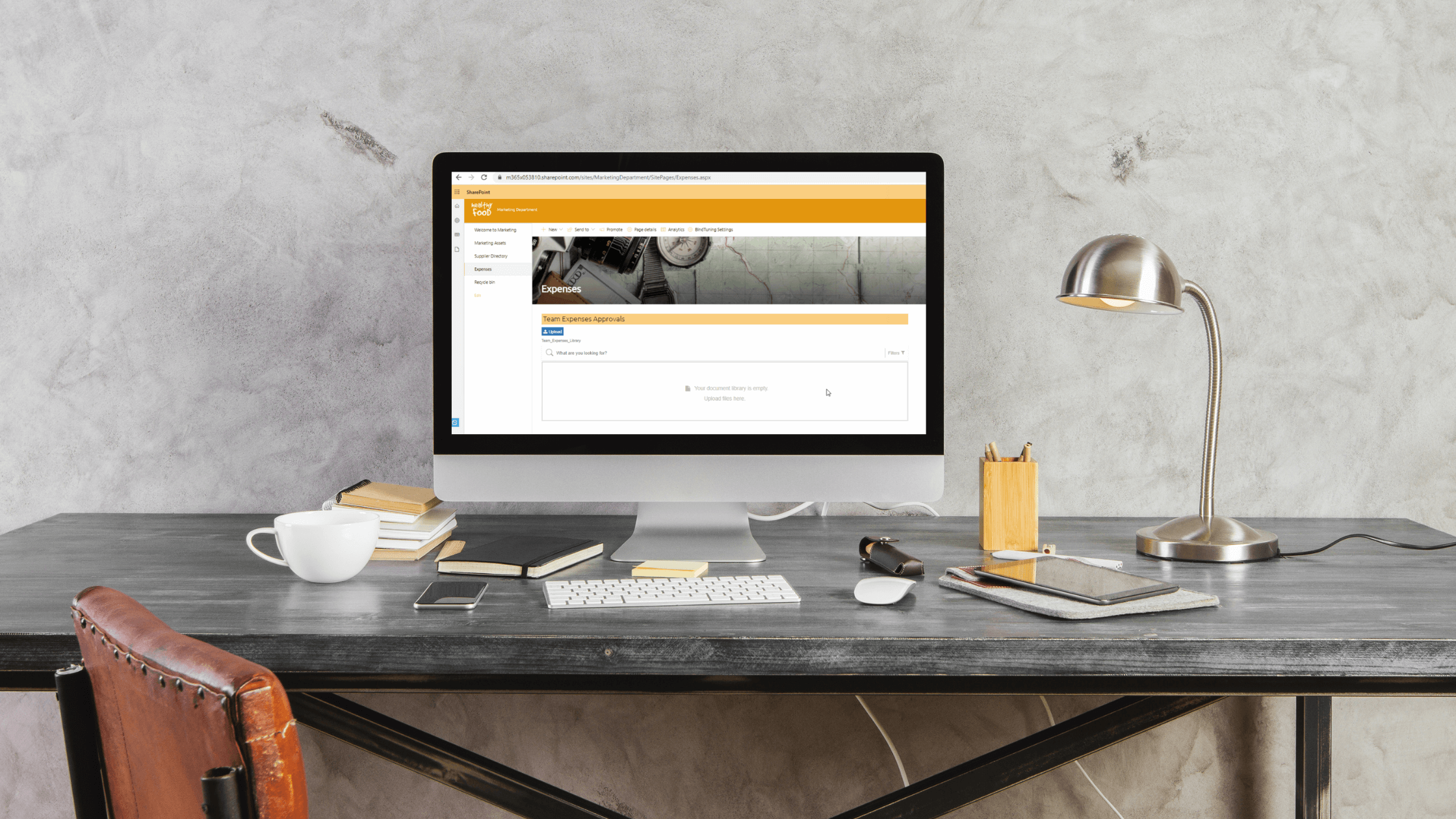

We've got a great article for all budget driven organizations (and...that would be all of us). Using Power Automate along with the BindTuning Image Gallery web part, you'll be able to automatically trigger expense approvals when someone uploads a photo of their receipt or invoice. It couldn't be simpler and has uses beyond just budget approvals - imagine accelerating marketing approvals for graphics and images!
Fire up expense approvals
Maximize the use of your BindTuning Build Subscription with this latest article in our Build your Workspace blog series. With the proposed process detailed in this article and video, team members can submit expenses through their SharePoint Team Site, triggering an approval process. Users simply upload invoice photos through BindTuning Image Gallery web part. Whenever an image is uploaded, the team manager receives an email to approve or reject the expense request. Team members, managers and finance teams can then go to the Team Site monthly (or as often as needed) to validate status of expenses submitted, by filtering invoices by status – approved or rejected.
Follow the steps outlined by Mina Al-Rawi from our Customer Success Team: Automate a team expense approval process with BindTuning Image Gallery
Stay BindTuned
Check out our knowledge base, or better yet chat with us - we can offer advice, give you a demo or send you more information. We are committed to your success and to assist you get the most out of BindTuning products. Keep building those workspaces!