











Experiential Dimension of the BindTuning Workspace Integrity Platform

Beautiful SharePoint Intranets That Boost
Employee Engagement

The SharePoint enhancement and digital workspace solution that your people love.

Partnership Program

BindTuning Intranet partnership showcase - modern SharePoint experience

Trusted by Global Organizations.

End of partnership section

The Transformation

Ghost Town Intranet? Make It a
Go-To Workspace

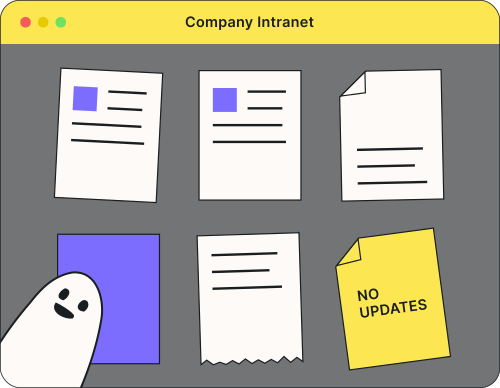
You've launched a SharePoint intranet before. Day one looked promising, but by month two it was a ghost town with employees still emailing to ask where the PTO policy lives. BindTuning changes that with a modern, branded experience that department heads and comms managers can update without IT or fighting SharePoint's limitations.

BindTuning Intranet transformation illustration
20+
Designs
On-brand
Colors & Fonts
28+
Web Parts
WCAG 2.2
Compliant
18
Accessibility Features

Key Benefits

Make It Beautiful
& On-Brand

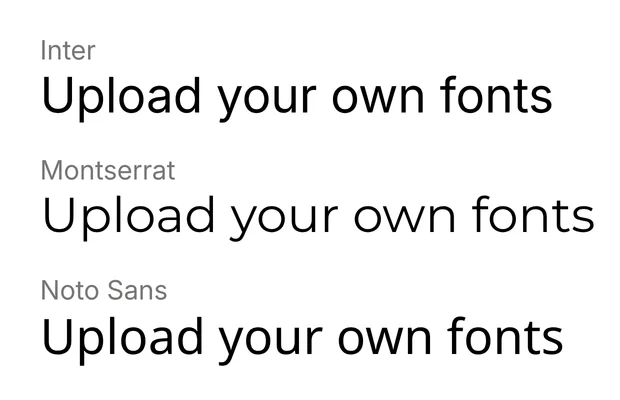
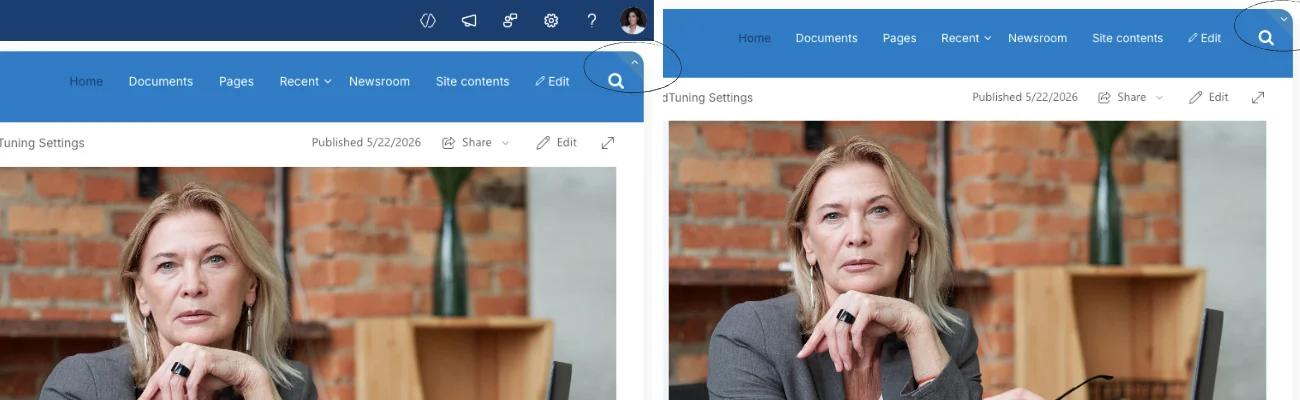
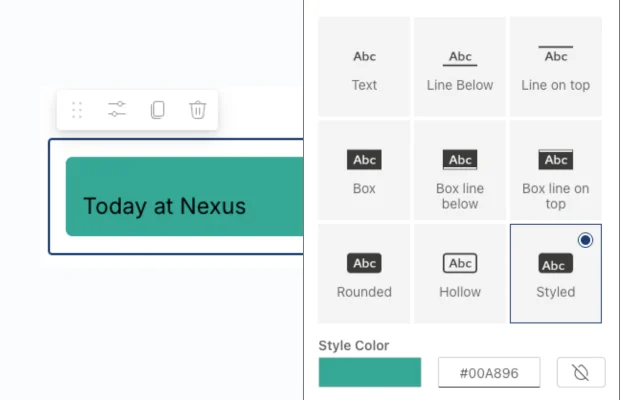
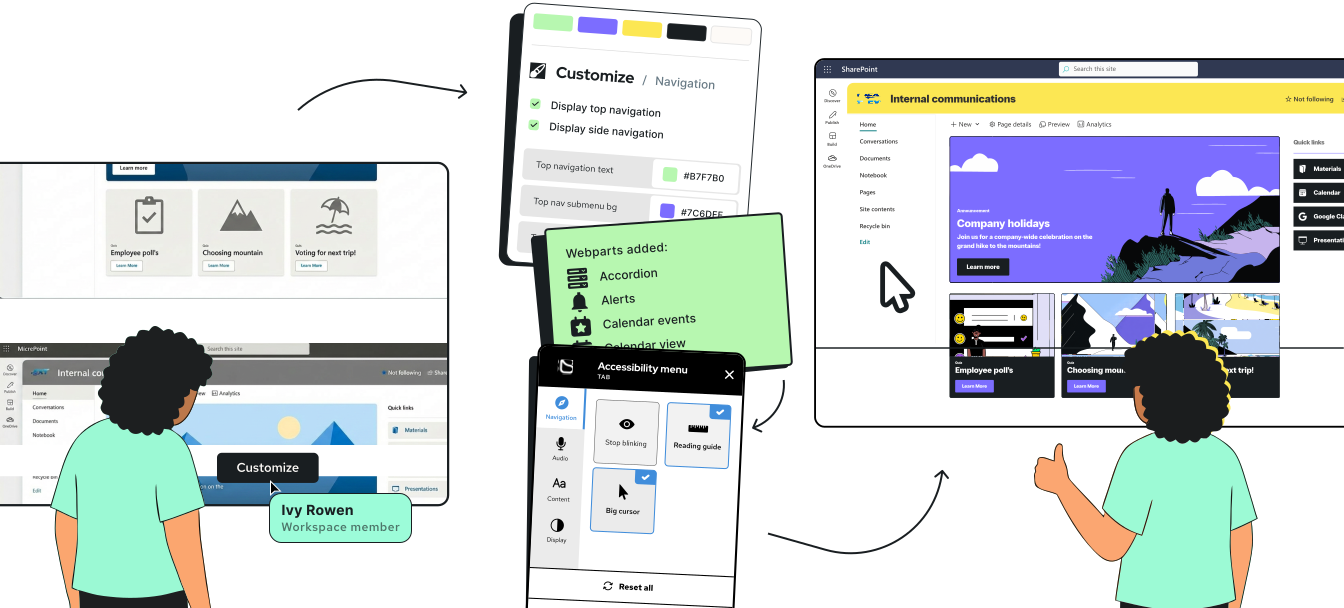
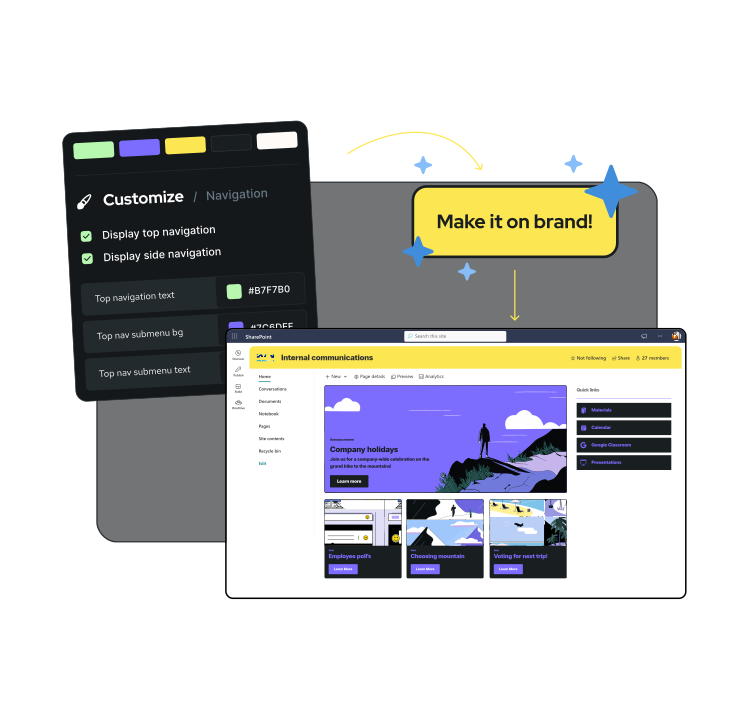
SharePoint out-of-the-box looks generic. BindTuning gives you a gallery of professionally designed themes as your starting point. Upload your logo and brand colors, choose from 900+ fonts (or upload your own), define your brand kit once, then reuse it across every site.

Key Benefits

Update
Without IT Tickets

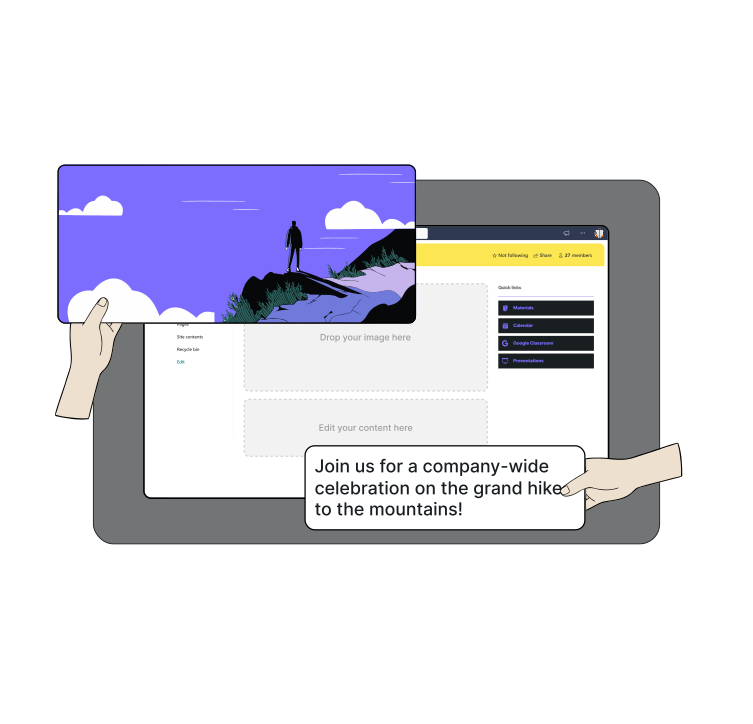
Every update in standard SharePoint requires a support ticket and a three-day wait (at least). BindTuning puts content control in the hands of the people responsible for communications, but with guardrails that keep IT comfortable.

Key Benefits

Build Dynamic Pages
That Stay Current

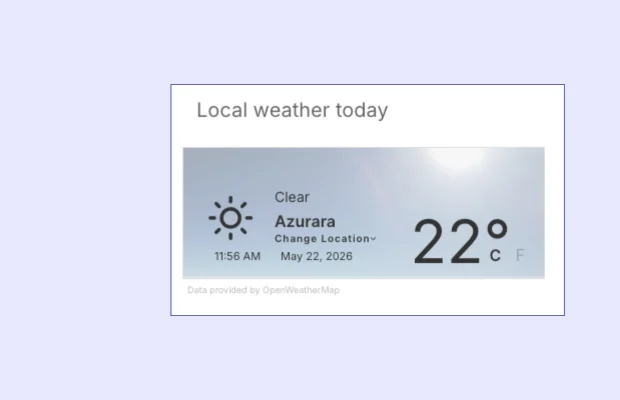
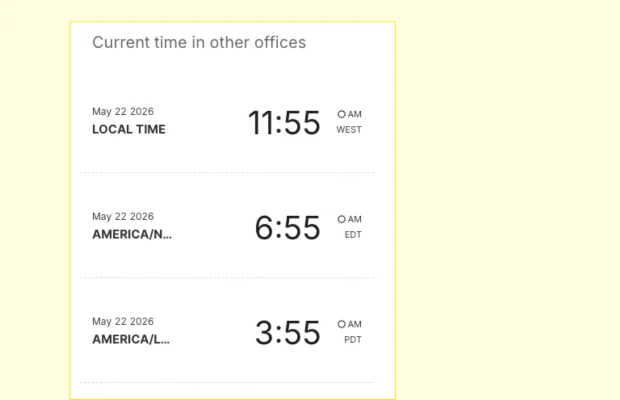
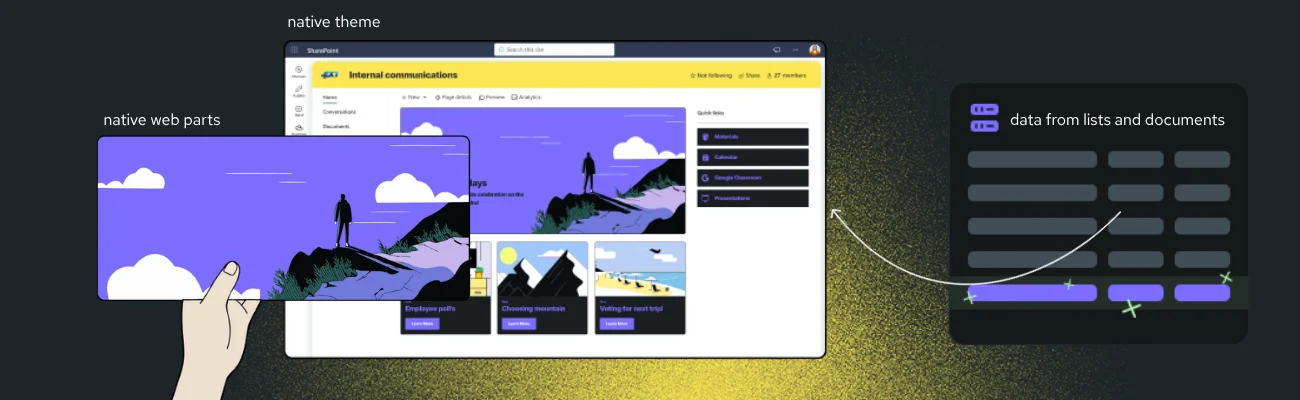
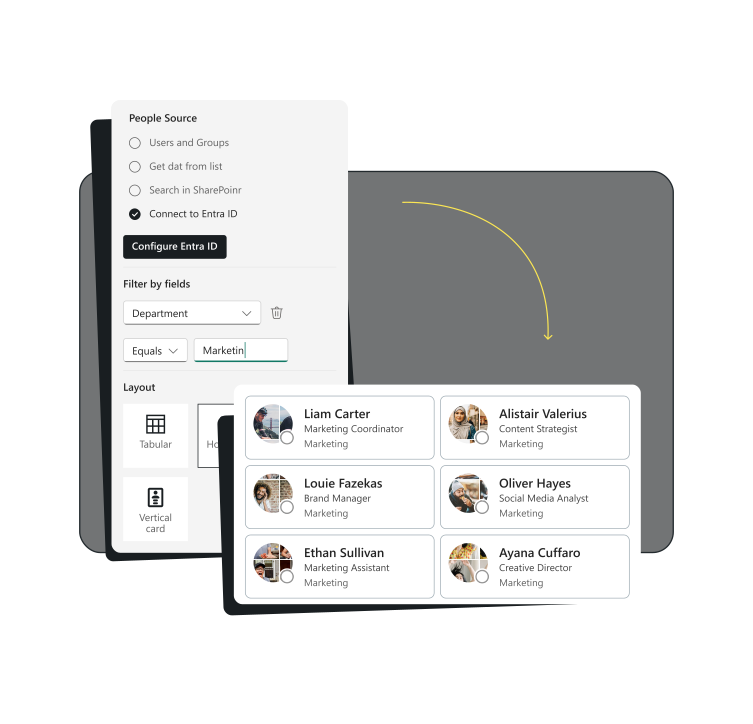
Typical SharePoint web parts are static and disconnected. BindTuning Web Parts connect directly to Entra ID, SharePoint lists, calendars, and external data sources (like RSS feeds, social media, video platforms and more), so content updates automatically based on rules you define.

Key Benefits

Include ALL
Your Employees

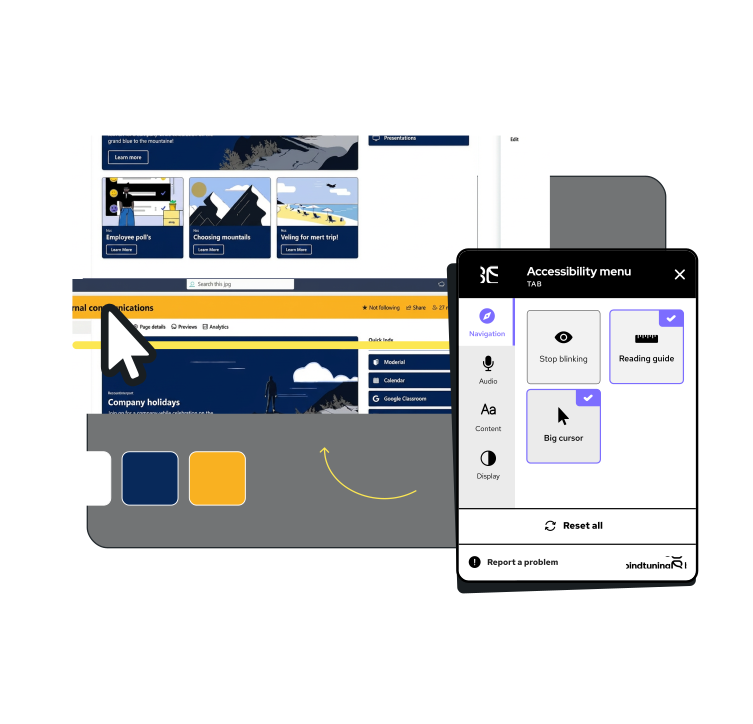
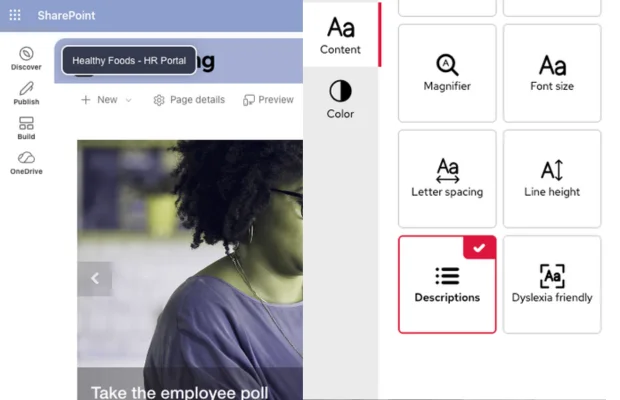
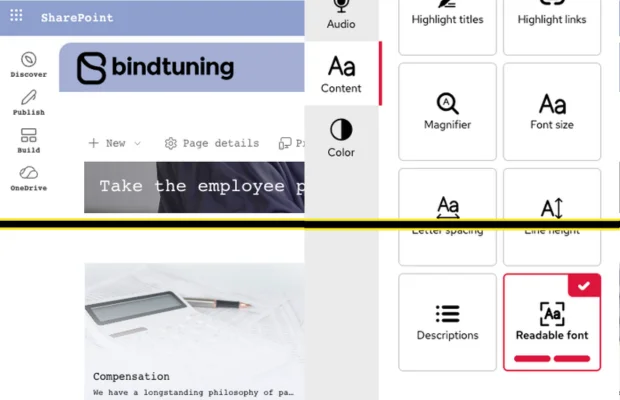
18 accessibility features (yes, you read that right) supporting people with visual impairments, hearing difficulties, dyslexia, epilepsy, and more. WCAG 2.2 compliant—not as a checkbox, but as a commitment. Settings persist with each user's SharePoint account: set up once, use everywhere.

Features

Your Intranet
Building Blocks

Design

Create an intranet that reflects your company's culture and identity

Start with 20+ professionally designed themes, then customize every detail to match your brand. Define your brand kit once, apply it everywhere.

Core Design Capabilities:

  • Granular Brand Control

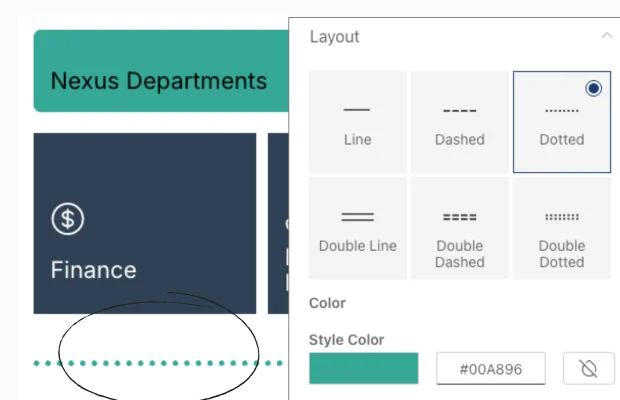
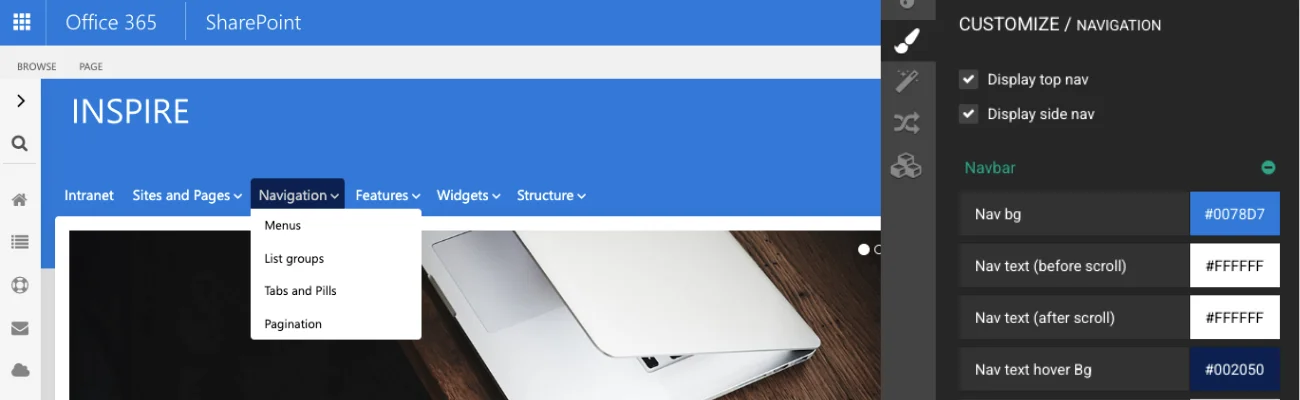
    Customize every color on every element. Backgrounds, headings, text, buttons, menu items. Point and click, no code needed.

  • Multiple Fonts Per Site

    Apply different fonts to different elements. Choose from 900+ Google Fonts or upload your own — SharePoint limits you to one.

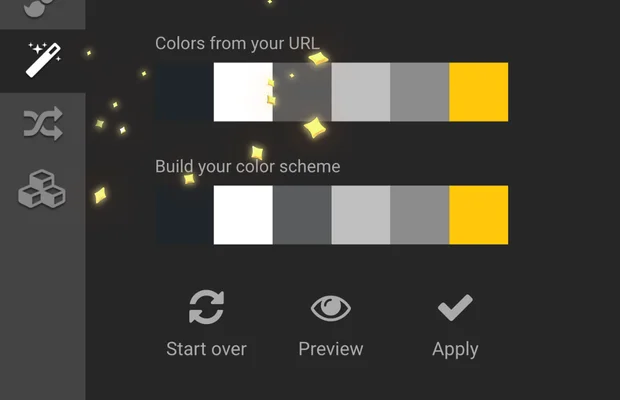
  • Magic Tool

    Upload your logo or link your site URL for automatic theme customization
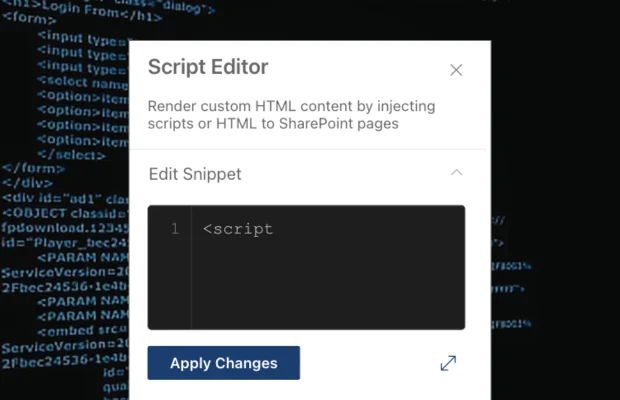
  • Custom Scripts & CSS

    Add custom JavaScript and CSS without Microsoft's default restrictions, inside a controlled, IT-approved environment.

  • Save multiple designs

    for different departments

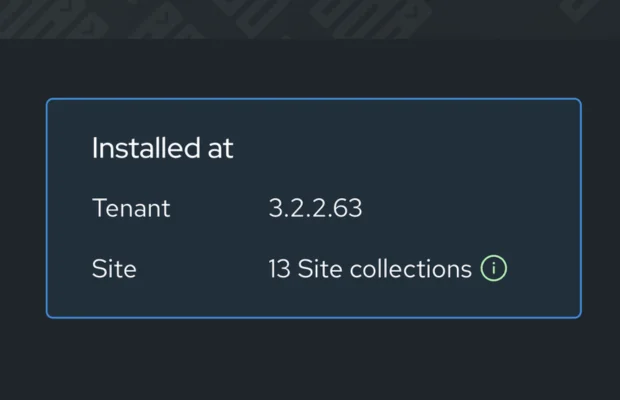
  • Tenant-Wide Brand Rollout

    Install once at tenant level and apply your brand across multiple site collections simultaneously. No site-by-site setup.

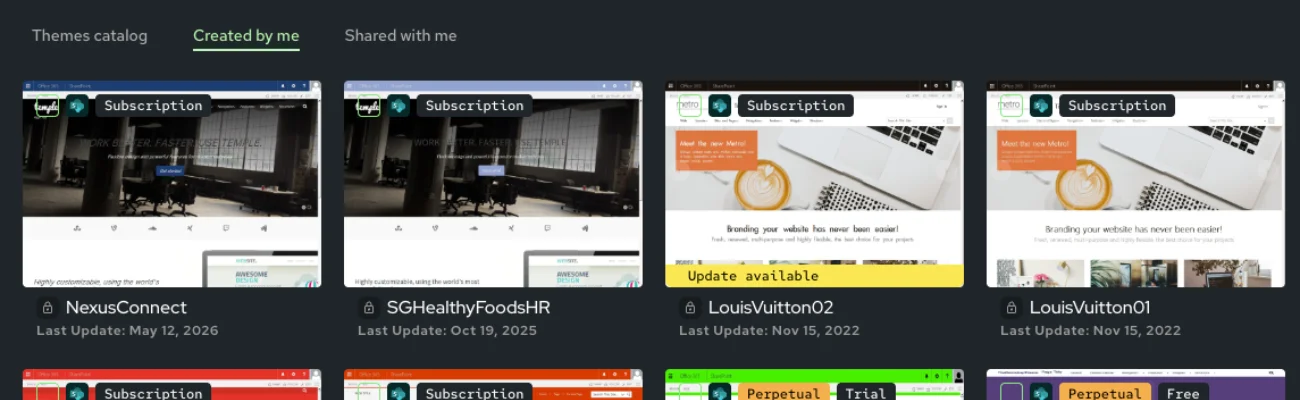
Browse all 20+ themes

Build with Web Parts

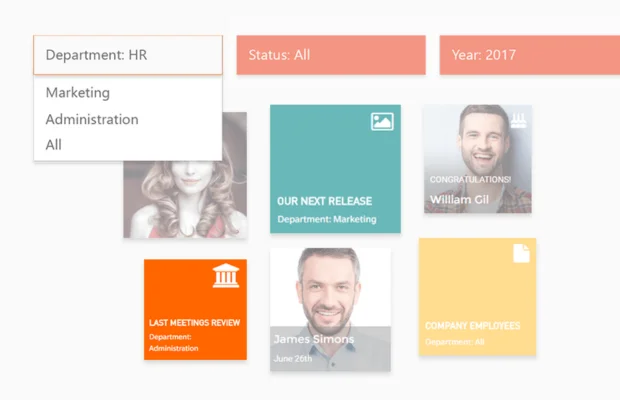
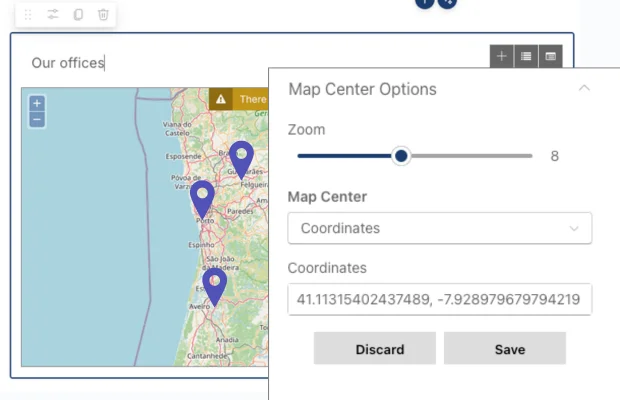
Build any scenario with 28+ specialized web parts that connect to live data, offer unlimited layout configurations and automatically inherits your theme styles for seamless integration.

Core Web Parts:

  • News & Alerts

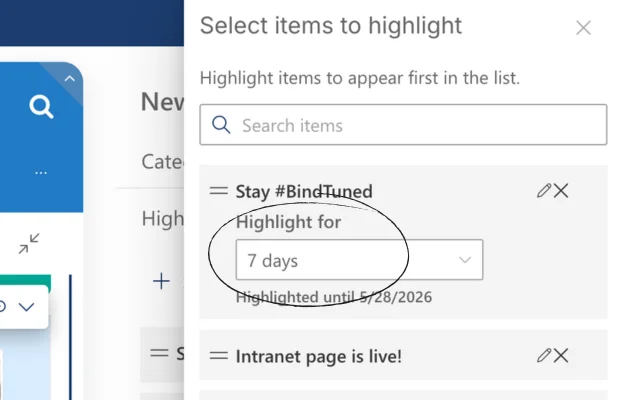
    Upgrade your news feed and create targeted notifications

  • Calendars & Events

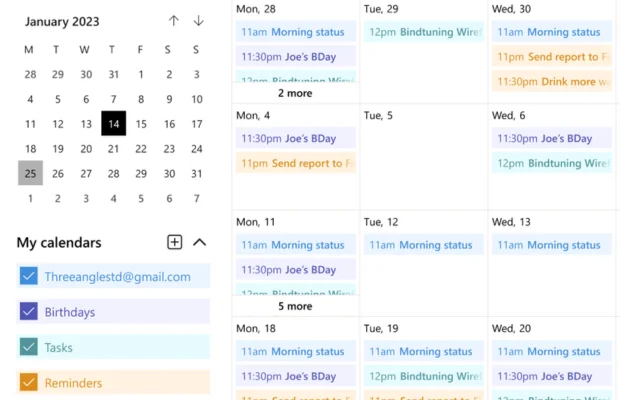
    Intuitive event management across M365, Outlook, and SharePoint

  • People & Celebrations

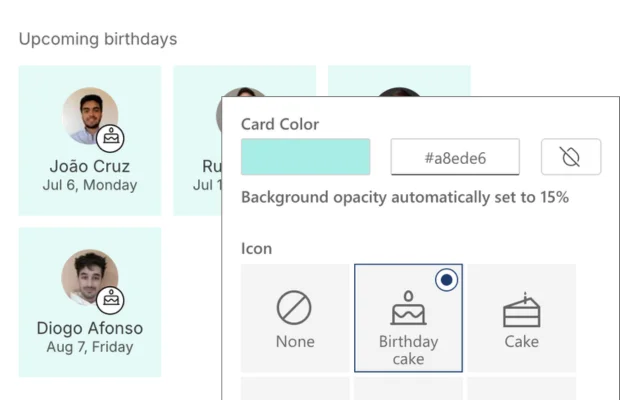
    Visualize teams, celebrate birthdays and work anniversaries

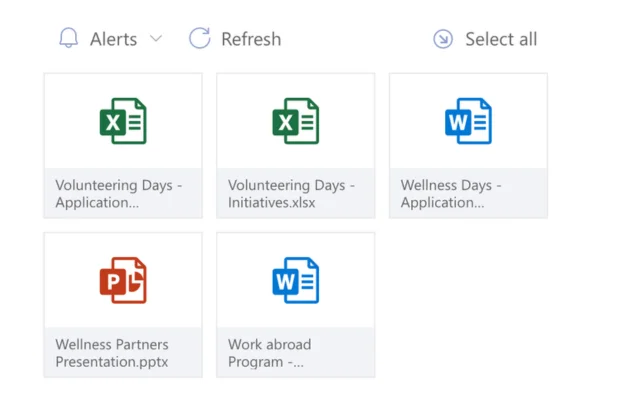
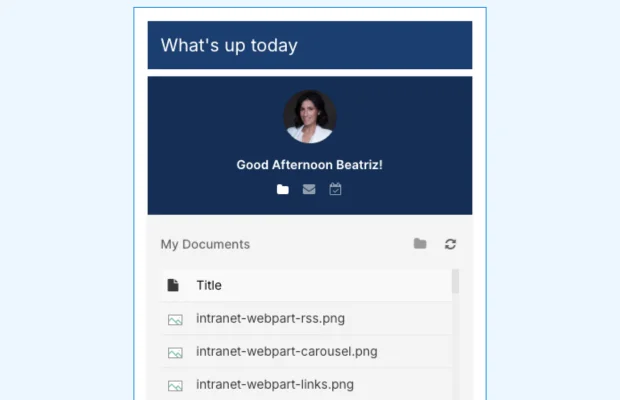
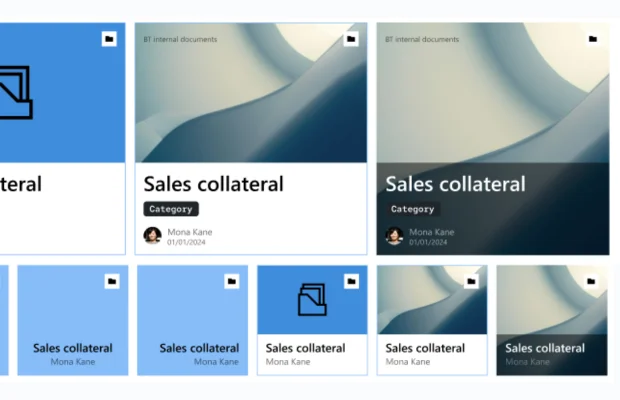
  • Documents & Lists

    Display and filter content from multiple libraries with search

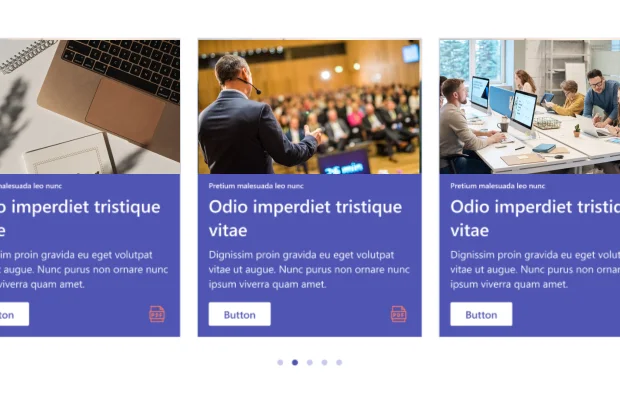
  • Carousel & Slider

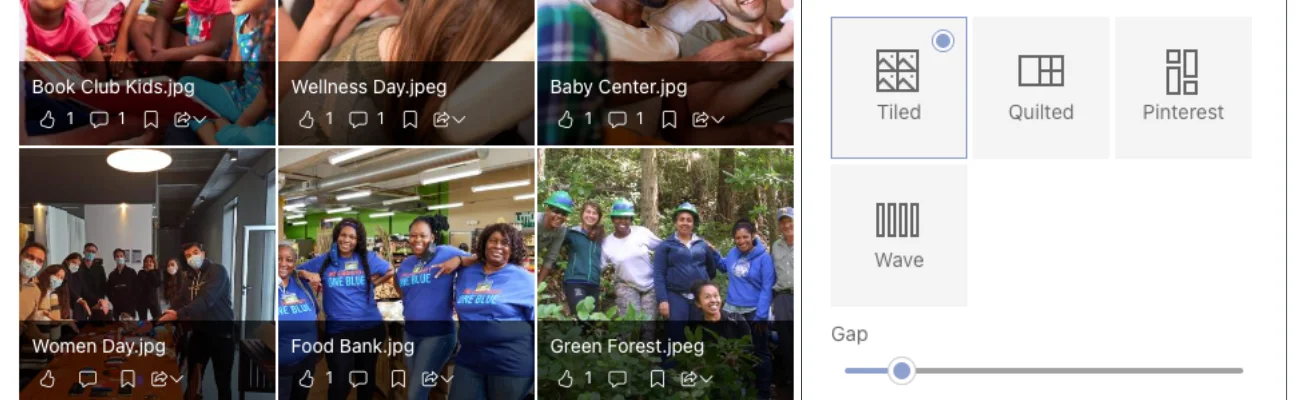
    Rotate news, events, and image galleries

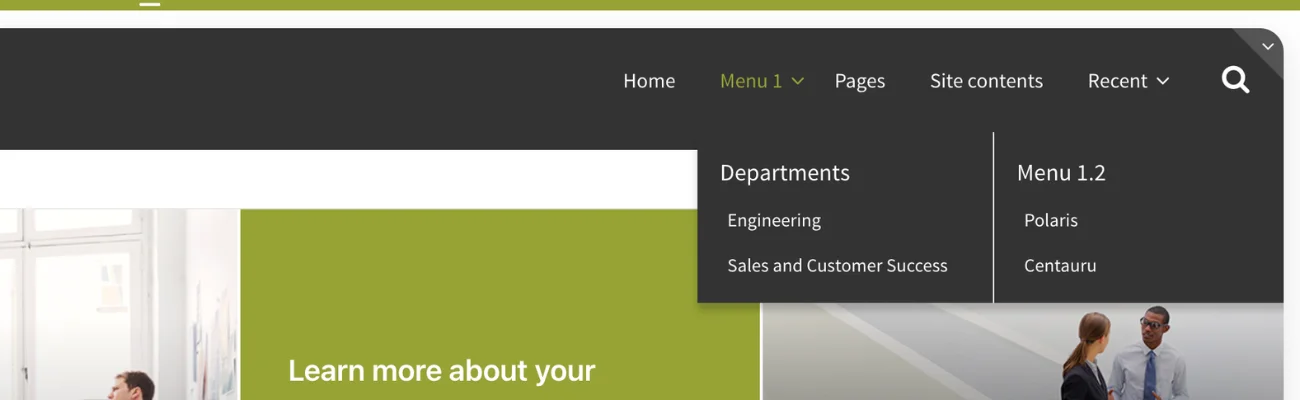
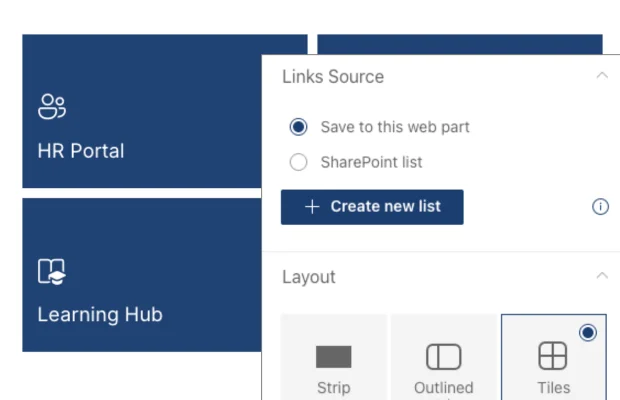
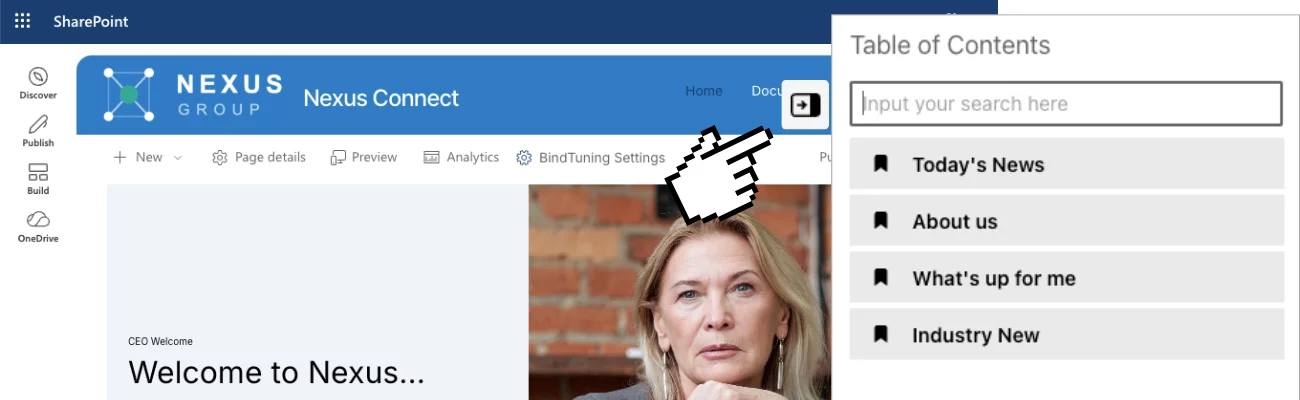
  • Quick Links & Navigation

    Create easy access to important resources

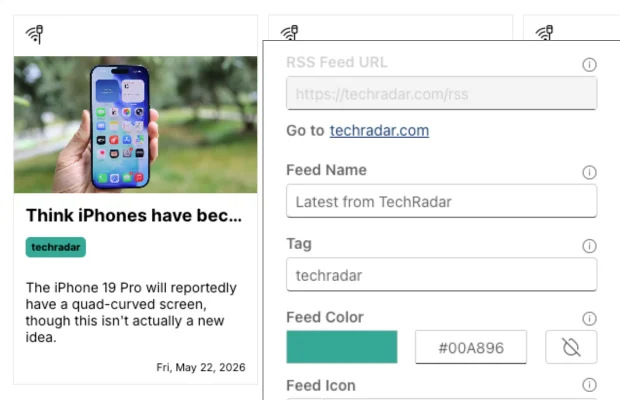
  • Social & RSS Feeds

    Integrate external content from Facebook and Instagram feeds

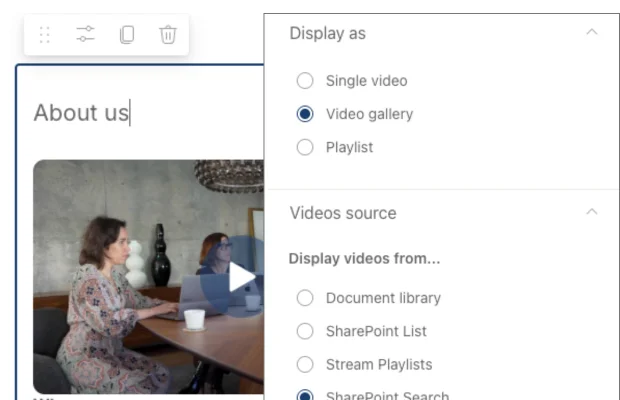
  • Video & Stream

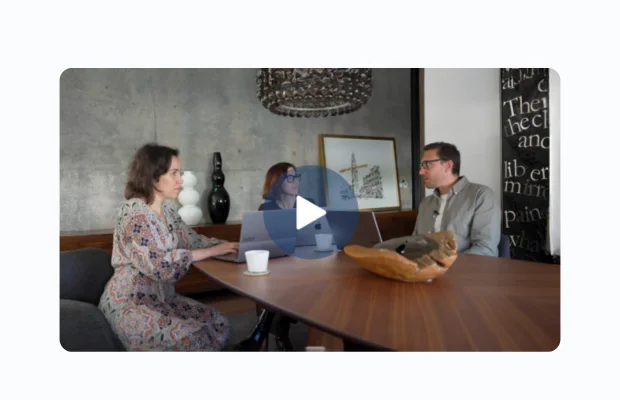
    Display videos from external providers and Microsoft Stream

Targeting & Personalization

  • Audience targeting by AD group or specific users
  • Show the right content to the right people

Smart Data Connections

  • Connect to SharePoint lists, document libraries, calendars, and Entra ID
  • Access external sources: RSS feeds, social media, video platforms
  • Microsoft Graph API for Outlook, OneDrive, and Exchange integration

Built for Productivity

  • In-page list editing without leaving the web part
  • Preview changes on-demand while editing
  • Advanced caching for optimal performance
  • Mobile-ready and Microsoft Teams compatible
Explore all web parts

Accessibility

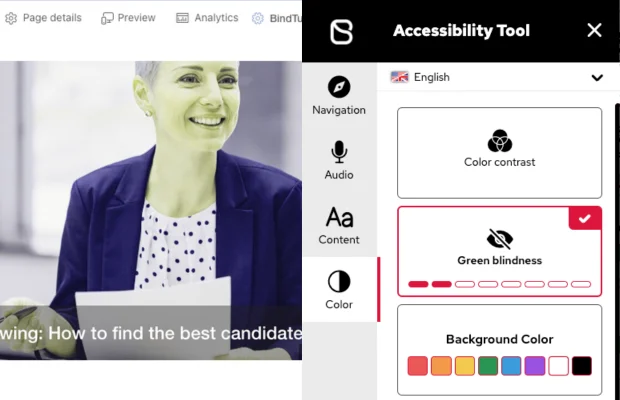
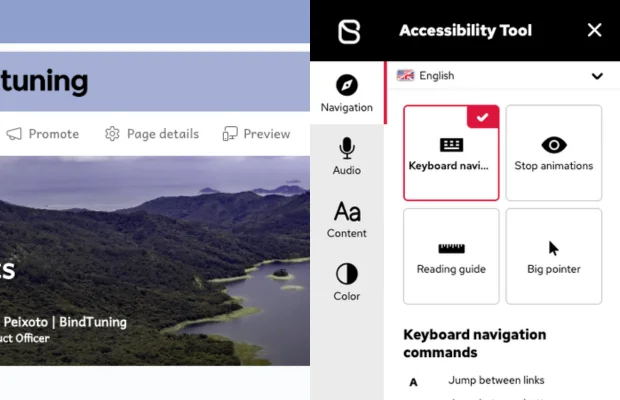
Include all employees with 18 features for vision, hearing, cognitive, and motor needs:

  • Vision

    High contrast modes, adjustable text size, screen reader optimization

  • Hearing

    Visual alerts, captions support

  • Cognitive

    Dyslexia-friendly fonts, reduced motion, reading guides

  • Motor

    Keyboard navigation, focus indicators

See the power of an accessible intranet

Analytics

Track usage analytics and page views across your intranet. Measure web part engagement to see what content resonates. Prove ROI to leadership with data, not guesswork.

Check analytics

Reusable Templates

Once you've built the perfect department site, project workspace, or team hub—save it as a template. With Automate365, provision new workspaces using your branded BindTuning designs automatically.

Learn about workspace templates

Engagement & Social

Enable likes, comments, shares, and save-for-later across all content. Celebrate birthdays, milestones, and recognition automatically. Target content at component and audience level—show the right content to the right teams.

Screenshot of Stays Inside SharePoint

Stays Inside SharePoint

Enhance SharePoint without replacing it; your data stays in your tenant. Preserve your SharePoint intranet build even if you go back to OOTB. Get personalized onboarding and dedicated support from day one.

Comparison

See How BindTuning Compares To Out-of-the-Box SharePoint

What You Need
Out-of-the-Box SharePoint
BindTuning Intranet
Branded design
Generic blue, limited customization
20+ themes, brand kit, 900+ fonts
Content updates
Requires IT tickets, 3+ day turnaround
Comms team independence, instant updates
Dynamic content
Static web parts, manual updates
28+ web parts connected to live data
Customizable Layouts with Metadata
Not available
Displaying metadata in layouts
Accessibility
Basic screen reader support
18 features, WCAG 2.2 compliant
Mobile experience
Responsive but basic
Mobile-first, optimized for frontline workers
Social features
Limited engagement options
Likes, comments, shares, save-for-later
Targeted content
Page-level audience targeting
Component-level targeting per audience
Search Filter Sort
Not available
Configured by the admin for end users
Analytics
Basic page views
Detailed engagement metrics per web part

Testimonials

Read our customer stories
End of testimonials section
Microsoft 365 Integrity Score illustration

Go Further with Workspace Integrity

Governed creation is where workspace integrity begins, but it is not where it ends. Automate365 ensures every new workspace starts right. Pulse365 keeps everything that already exists in your tenant healthy and compliant. Intranet ensures the environment is one your people actually use. Together, the three dimensions form a system that maintains your M365 environment by default, not by cleanup.
See how the platform works together

Automate365

Structural Integrity

Governance at the moment of creation.

Pulse365

Operational Integrity

Continuous visibility and remediation across your existing tenant.

BindTuning Intranet

Experiential Integrity

An environment people actually use.

current pillar

Integrations

NativeMicrosoft 365 Integration

BindTuning doesn't replace SharePoint — it enhances the platform with design, components, and accessibility on top of what you already have. Your intranet runs natively inside Microsoft 365, your data never leaves your tenant, and your IT team stays comfortable.

  • Microsoft SharePoint
  • Microsoft Outlook
  • Microsoft Teams
  • Microsoft Viva Connections
  • Microsoft 365

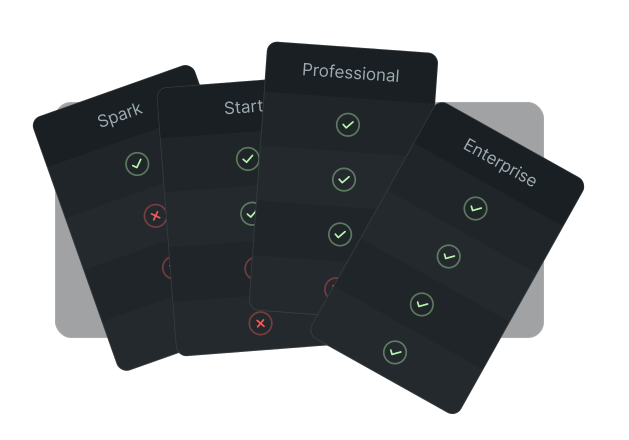
Start at $0.
Scale When You're Ready.

See what your intranet could look like at no cost. Credits unlock more when you're ready to build out.

Frequently Asked Questions

There are typically three reasons out-of-the-box SharePoint intranets fail: they look generic (so people don't want to visit), they're static (so there's no reason to come back), and they're hard to update (so content goes stale). BindTuning fixes all three — beautiful design, dynamic content, and comms team independence.

Start with design that earns attention. Add social and dynamic features that give people reasons to return. Make updates easy so content stays fresh. And reach everyone — including deskless workers — with mobile-first design. BindTuning customers have gone from 12% to 80% monthly active users.

True accessibility means supporting people with different needs — visual impairments, hearing difficulties, dyslexia, colorblindness, epilepsy, and more. It's not just screen reader compatibility. BindTuning includes 18 specific accessibility features and is WCAG 2.2 compliant.

SharePoint provides the foundation. But out-of-the-box SharePoint has design limitations, requires IT involvement for most updates, and lacks robust accessibility features. BindTuning enhances SharePoint without replacing it — you keep your data where it is while getting the experience you need.

Workvivo and Staffbase are standalone employee experience platforms — great if you want to replace M365 as your communication hub. BindTuning enhances M365 instead of replacing it. If your organization is committed to Microsoft, BindTuning gives you the engagement features without the separate platform, additional login, or per-user pricing.

Yes. Once you've created a branded department site or team workspace, you can save it as a template. With Automate365, you can then provision new sites automatically using those templates — complete with your BindTuning designs, web parts, and branding already applied.

Stop Guessing.
Start Understanding.

Start free
No credit card
Results in minutes

Your tenant has problems you haven't found yet. And they won’t go away if you don’t look them up. The first step is understanding what’s happening inside M365. With Pulse365, you can learn that in seconds—for free.
End of Stop Guessing. Start Understanding. section