



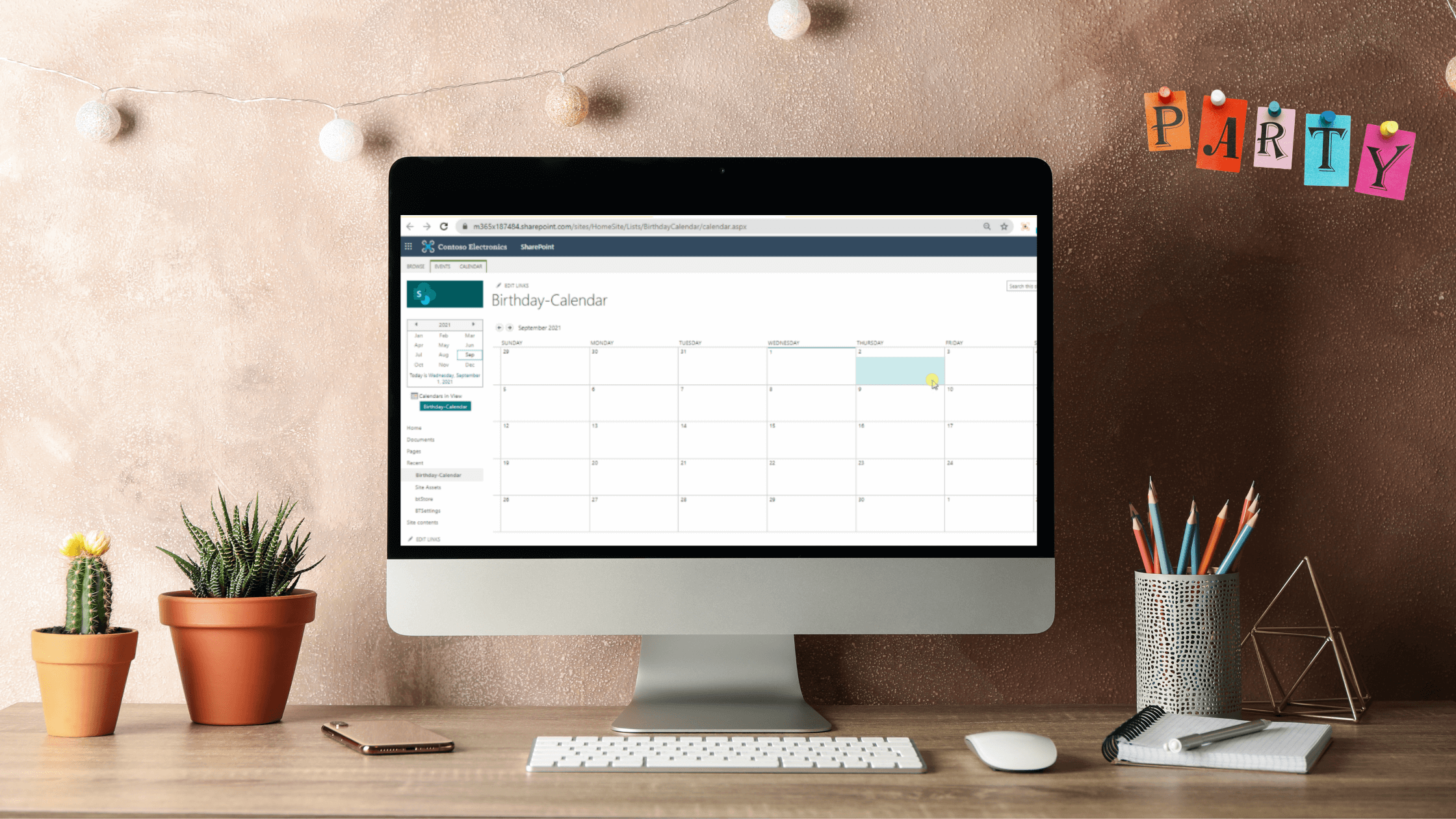

This latest article in our series Build your Workspace shares an easy way for everyone to always be on track with coworkers' special days. With step-by-step guidance, we will show you how to automate birthday notifications in your intranet.
How does it help the team?
Using a combination of BindTuning Calendar and Microsoft Power Automate, you can improve employee engagement that will lead to satisfaction and powerful connections inside the team. You will no longer have to worry about forgetting or mixing birthday dates. Leveraging the BindTuning Calendar web part you will be able to use color categories and category customizable icons to differentiate coworkers from different departments. It is also possible for you to use Power Automate to set daily reminders so that nothing passes by.
The steps to the implementation
Mina Al-Rawi, from our Customer and Partner Success Team, takes you on a step-by-step journey on how to optimize this process in the best way. Learn more about on how to Automate Birthday Notifications in your Intranet from her article.
You can find this product in our Build subscription, along with other web parts built for your needs.
Stay BindTuned
Check out our knowledge base, or better yet Schedule a meeting - we can offer advice, give you a demo or send you more information. We are committed to your success and to assist you get the most out of BindTuning products. Keep building those workspaces!